Physical Address
304 North Cardinal St.
Dorchester Center, MA 02124
Physical Address
304 North Cardinal St.
Dorchester Center, MA 02124

The Facebook Pixel is a powerful tool that helps businesses track website visitors, measure ad performance, and optimize campaigns.
However, it can sometimes malfunction, leading to inaccurate tracking and missed conversions. If your Facebook Pixel isn’t working correctly, don’t worry! This guide will walk you through the most common Pixel issues
What should I do if my Pixel stops working suddenly?
Introduction
What is the Facebook Pixel?
Why is it important?
Common Pixel issues users face
How to Check If Your Facebook Pixel Is Working
Using Facebook’s Event Manager
Using the Meta Pixel Helper (Chrome Extension)
Checking real-time event tracking
The Facebook Pixel is a small snippet of code that you place on your website to track visitor interactions and measure the effectiveness of your ads. It helps businesses:
✅ Track conversions (e.g., purchases, sign-ups)
✅ Retarget website visitors with ads
✅ Optimize ad campaigns for better performance.
However, like any tracking tool, Facebook Pixel can sometimes stop working correctly, leading to data inaccuracies or missed conversions. Below, we’ll walk through common Pixel problems and how to fix them.
Before troubleshooting, you need to confirm whether your Pixel is working properly. Here’s how:
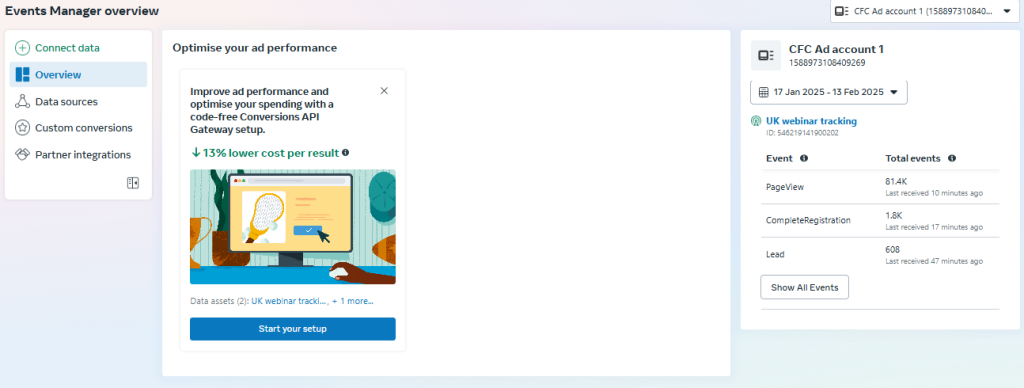
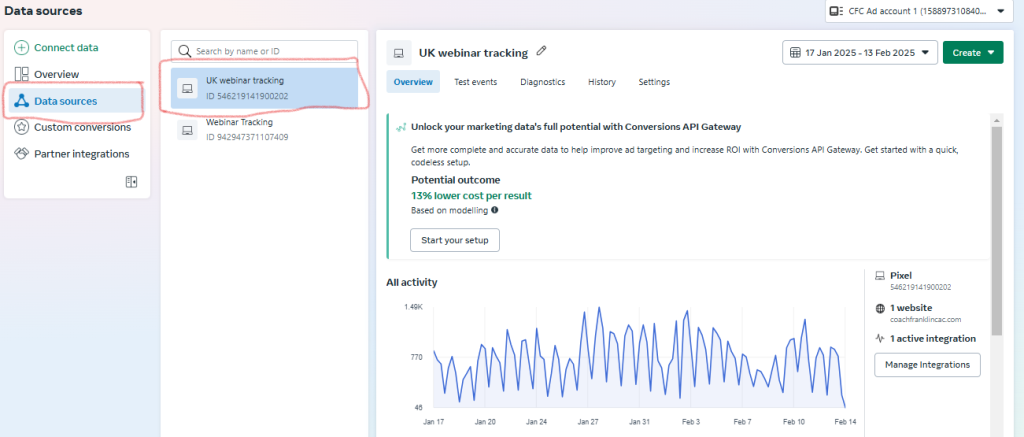
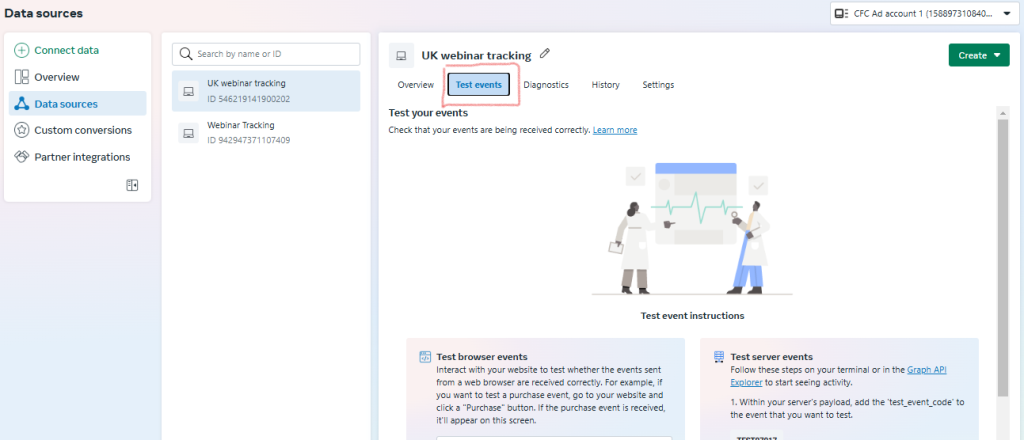
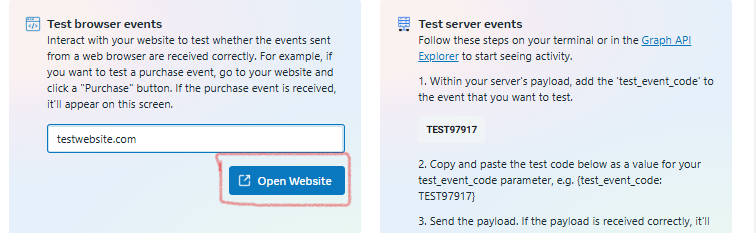
After clicking on the button, your website will open on a new tab
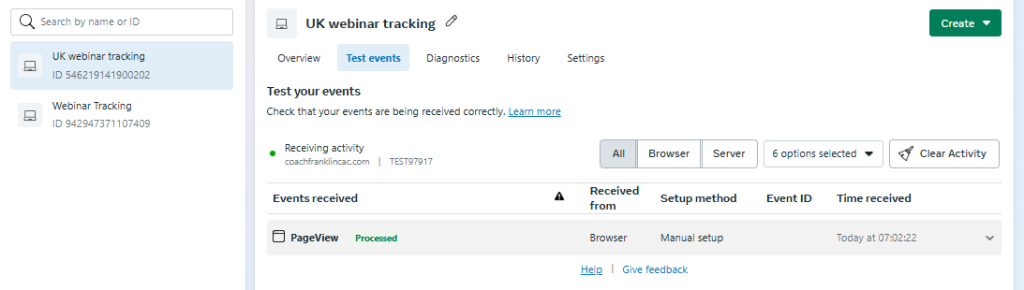
If the pixel is okay the events manager will show activity like the picture below
But if there is no change in the events manager it means your pixel is not active
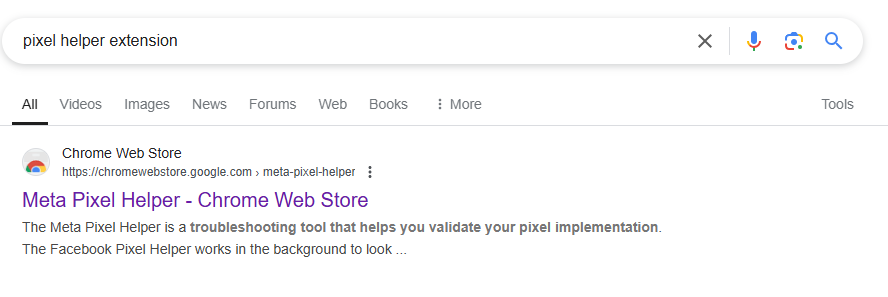
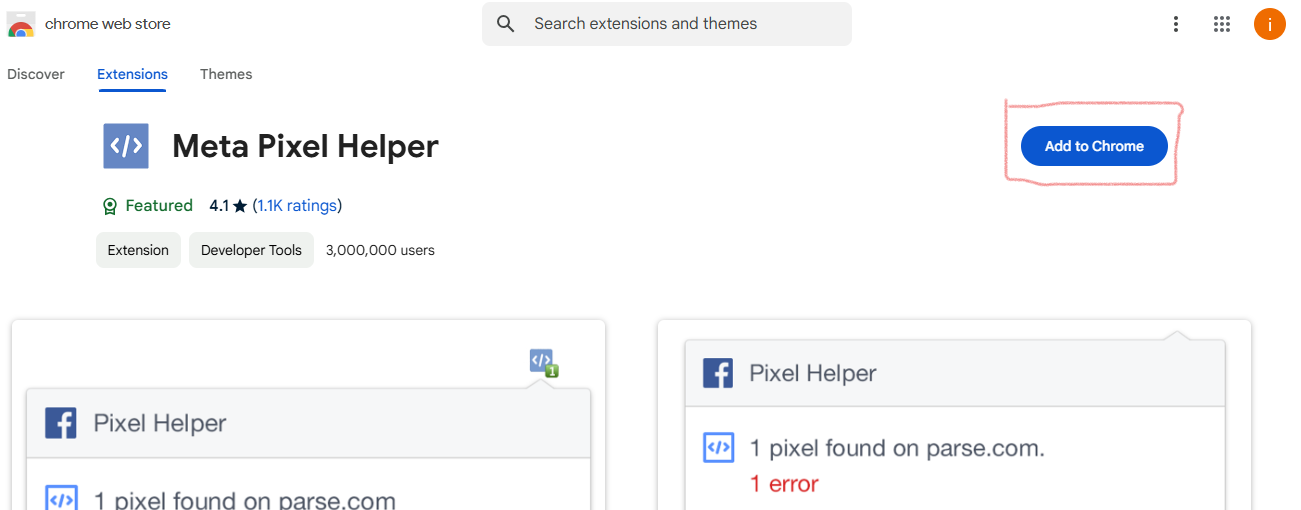
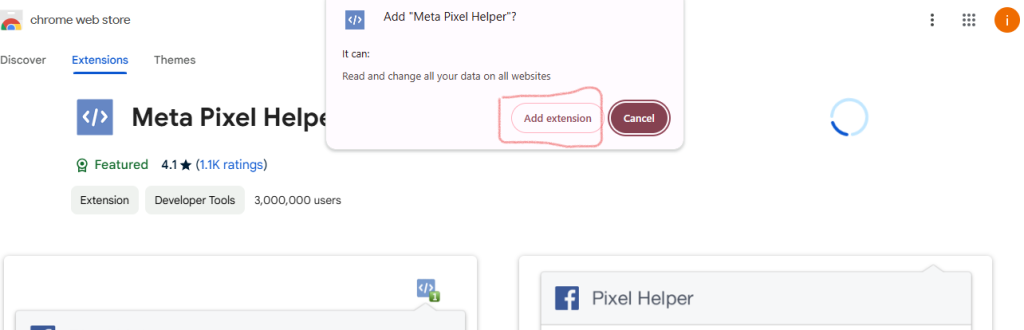
2. Use the Meta Pixel Helper (Chrome Extension)
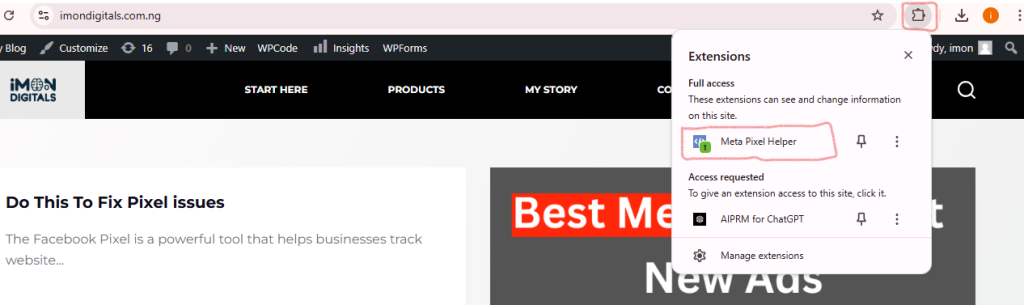
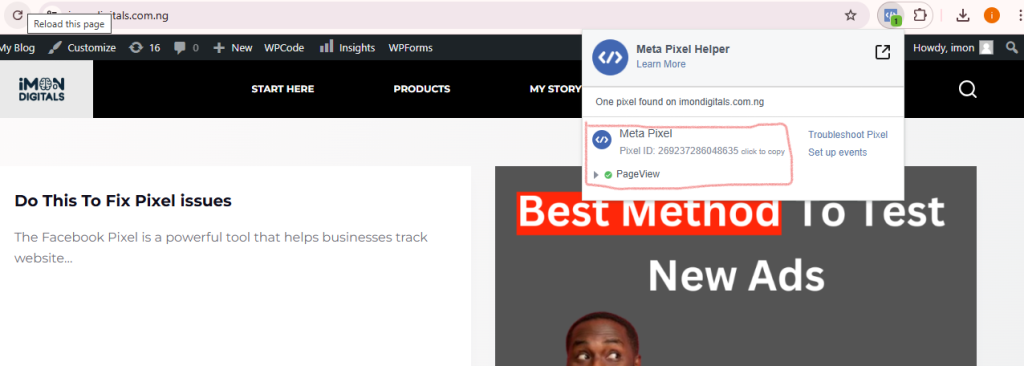
3. Check Real-Time Event Tracking
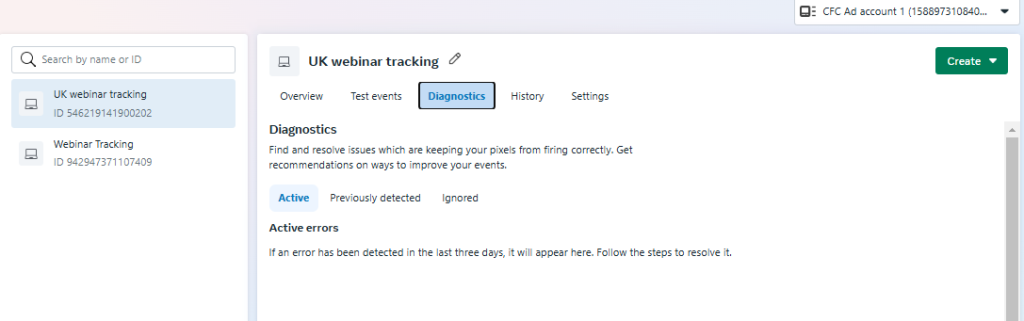
Look for any warnings or errors about missing or duplicate events
If you notice issues, it’s time to fix them!
read our article on how to fix pixel issue for steps to fix it